Most Discord servers feel forgettable. The ones that don't? They have their own language. And that language is built out of custom emojis.
If you've ever joined a server where everyone's spamming some inside-joke emoji you don't recognize, you know exactly what I'm talking about. That emoji is culture. It's the difference between a server people tolerate and one they actually live in.
Here's how to build that.
What Discord Actually Requires
Before you make anything, understand the constraints. Discord is not forgiving here:
- File format: PNG or GIF (animated)
- Max file size: 256 KB
- Recommended dimensions: 128×128 pixels (Discord will resize, but don't make it do the work)
- Animated emojis: Nitro servers only for upload; anyone can use them in supported servers
That's it. Those are the rules. Everything else is creative problem.
The Fast Way: Use an Emoji Maker
You could open Photoshop, wrestle with transparency layers, export at the right size, compress until it fits under 256 KB, and upload. Or you could spend 30 seconds on EmojiCreator.ai's Discord Emoji Maker and get something that actually looks good.
The difference matters more than people admit. Bad emojis don't get used. Good emojis become server culture.
EmojiCreator generates emojis that are already sized correctly for Discord — transparent background, right dimensions, right file size. You pick a style, generate, download, done.
How to Upload Custom Emojis to Discord
Once you have your emoji file, here's the upload flow:
- Open Discord and go to your server
- Click your server name at the top-left → Server Settings
- Go to Emoji in the left sidebar
- Click Upload Emoji
- Select your file
- Give it a name (this is how people type it —
:name:) - Hit save
That's it. The emoji is live immediately.
One thing to know: free Discord servers get 50 custom emoji slots. Boosted servers get more — up to 500 slots at the highest boost level. Manage your slots intentionally. Don't waste them on emojis nobody uses.
What Makes a Good Discord Emoji
This is where most people get it wrong. They upload something that looks fine on a computer screen, then it renders at 22×22 pixels in the chat and turns into an unrecognizable blob.
Good Discord emojis are:
Simple. One subject, clear silhouette. No fine details. If you can't tell what it is at thumbnail size, it won't work.
High contrast. Dark backgrounds kill emojis. Use transparent backgrounds and make sure the emoji itself pops. Bright colors, bold outlines.
Expressive. Discord emojis replace words in conversation. "This is what I look like when someone pings me at 3am." They need to communicate an emotion or reaction instantly.
On-theme for your server. The best server emojis feel like they belong together. A cohesive style — whether it's pixel art, cartoon faces, or meme derivatives — makes a server feel intentional.
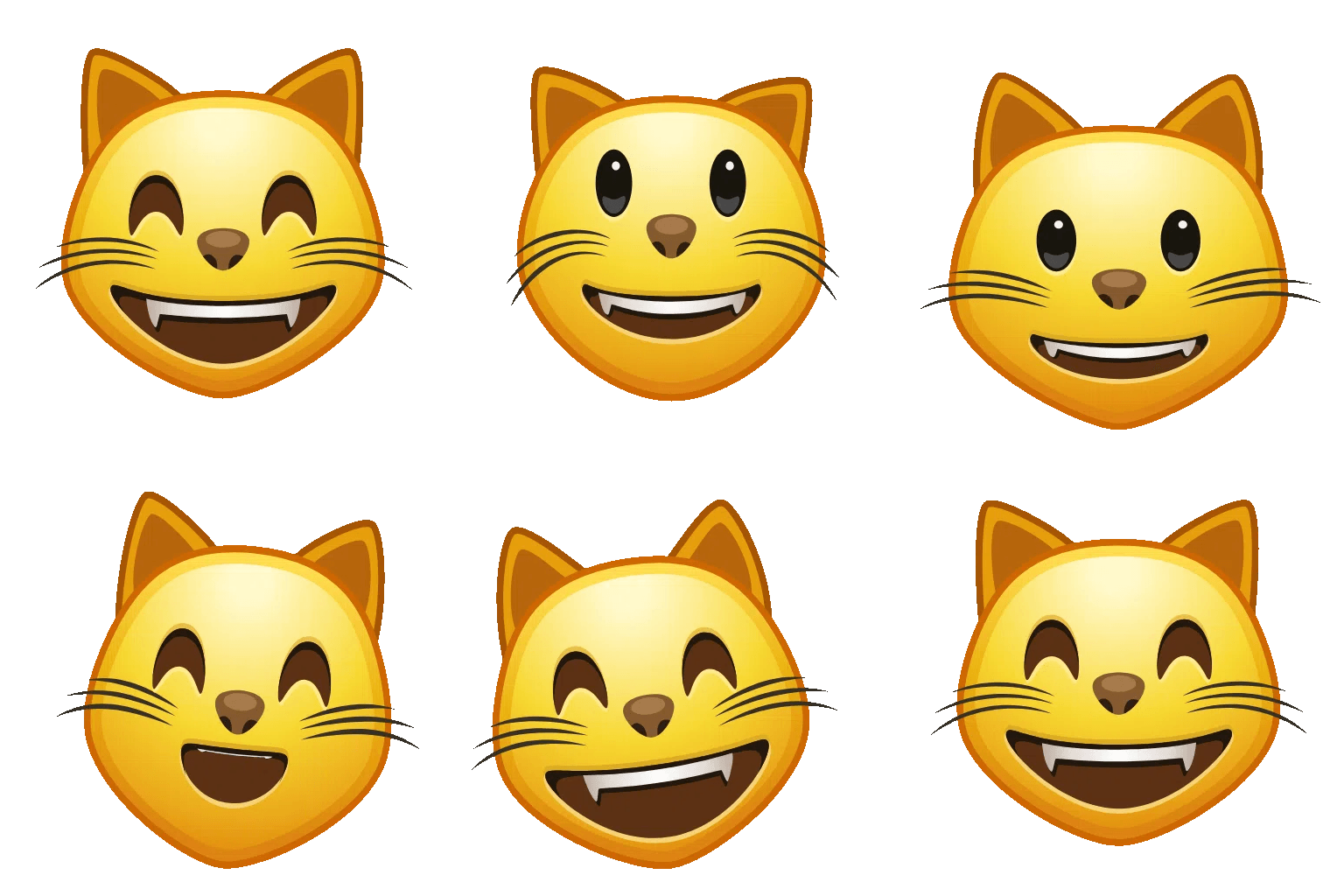
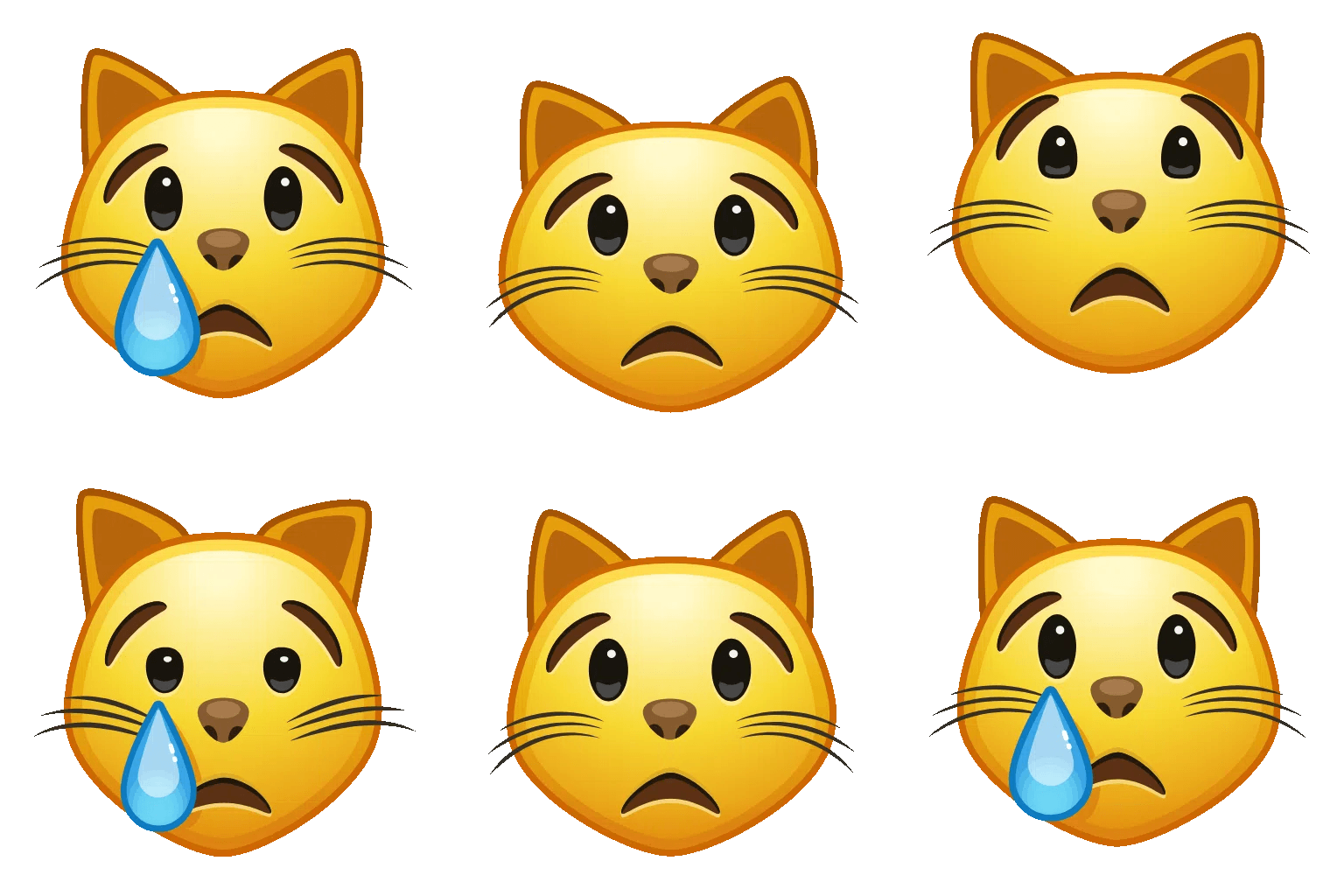
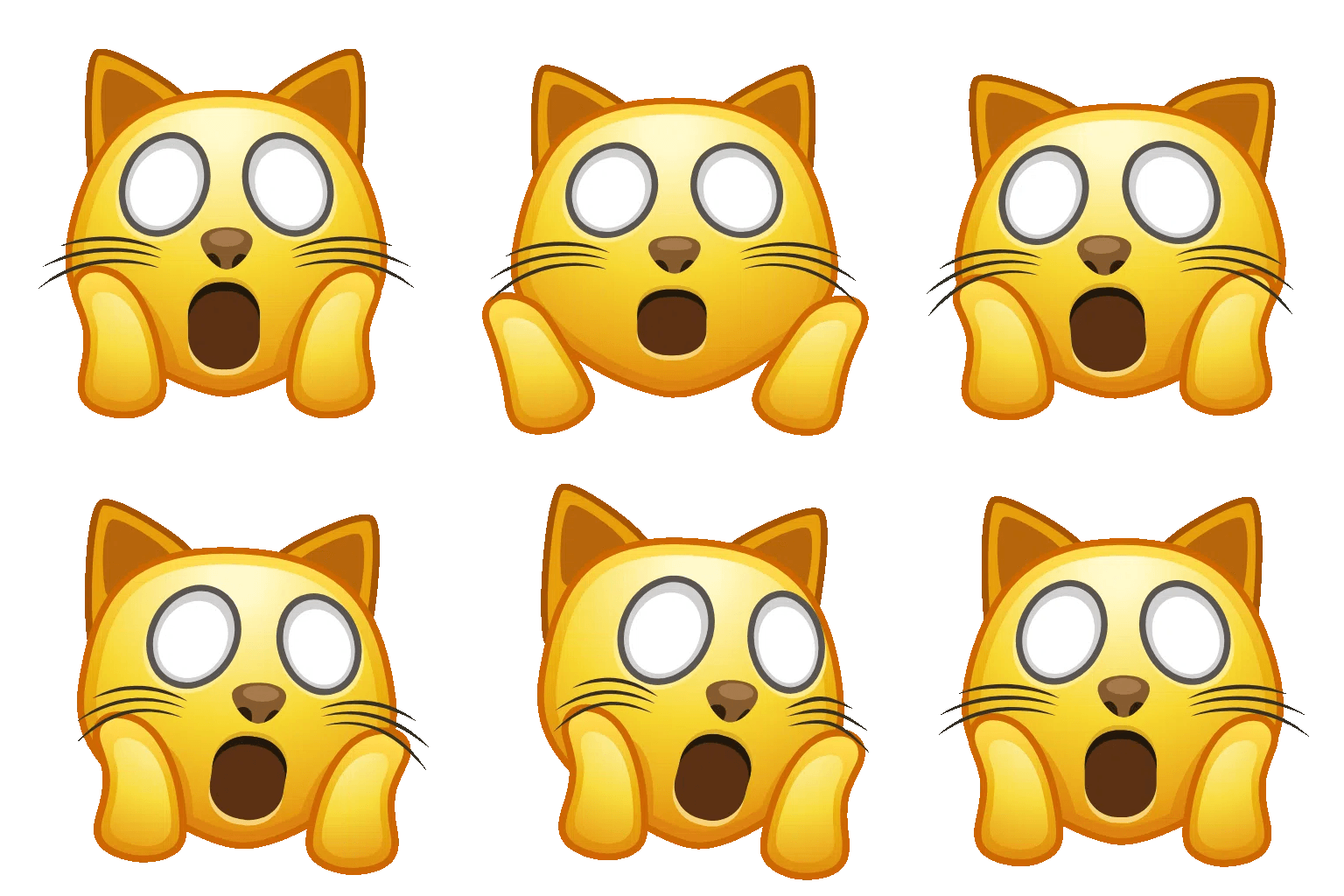
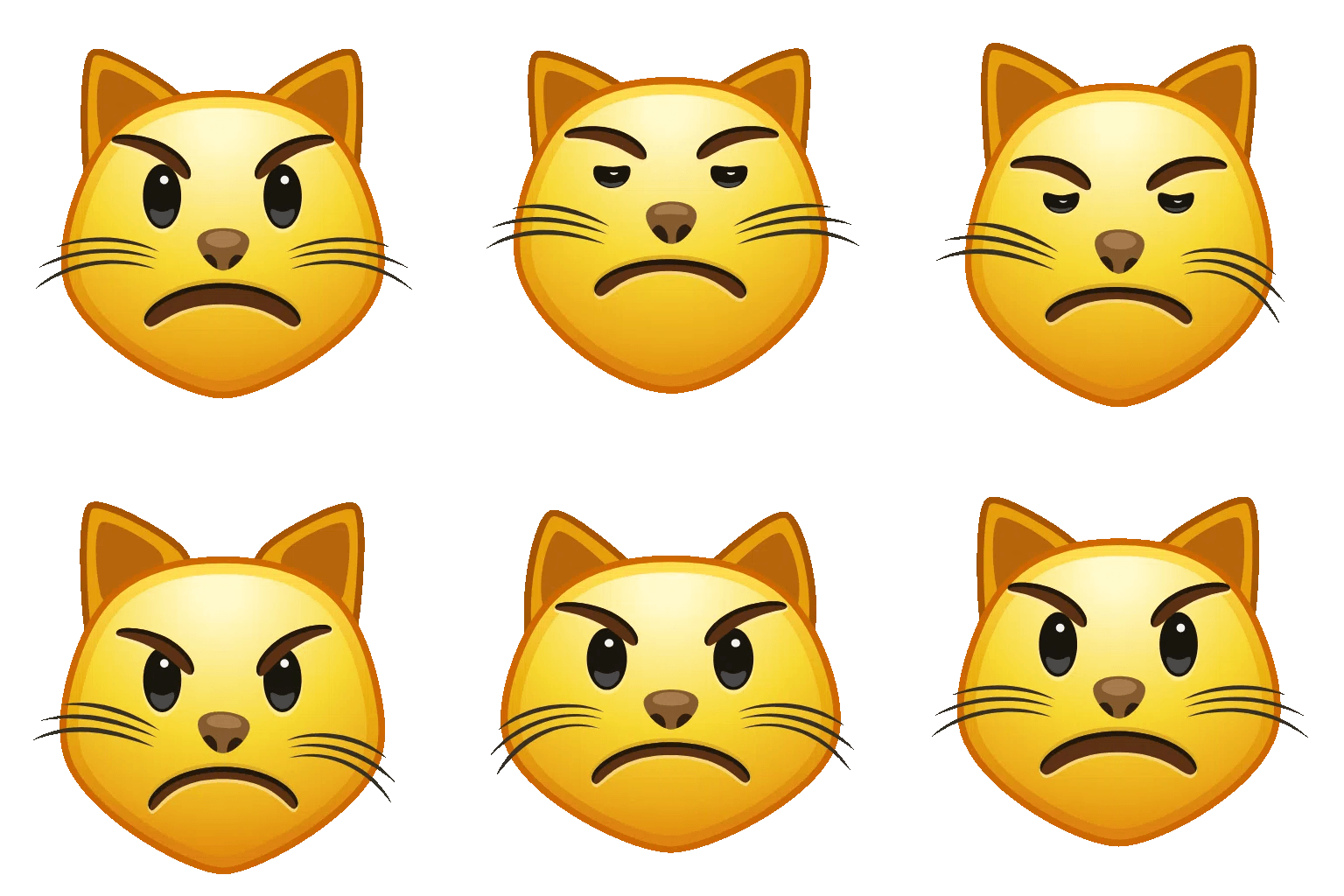
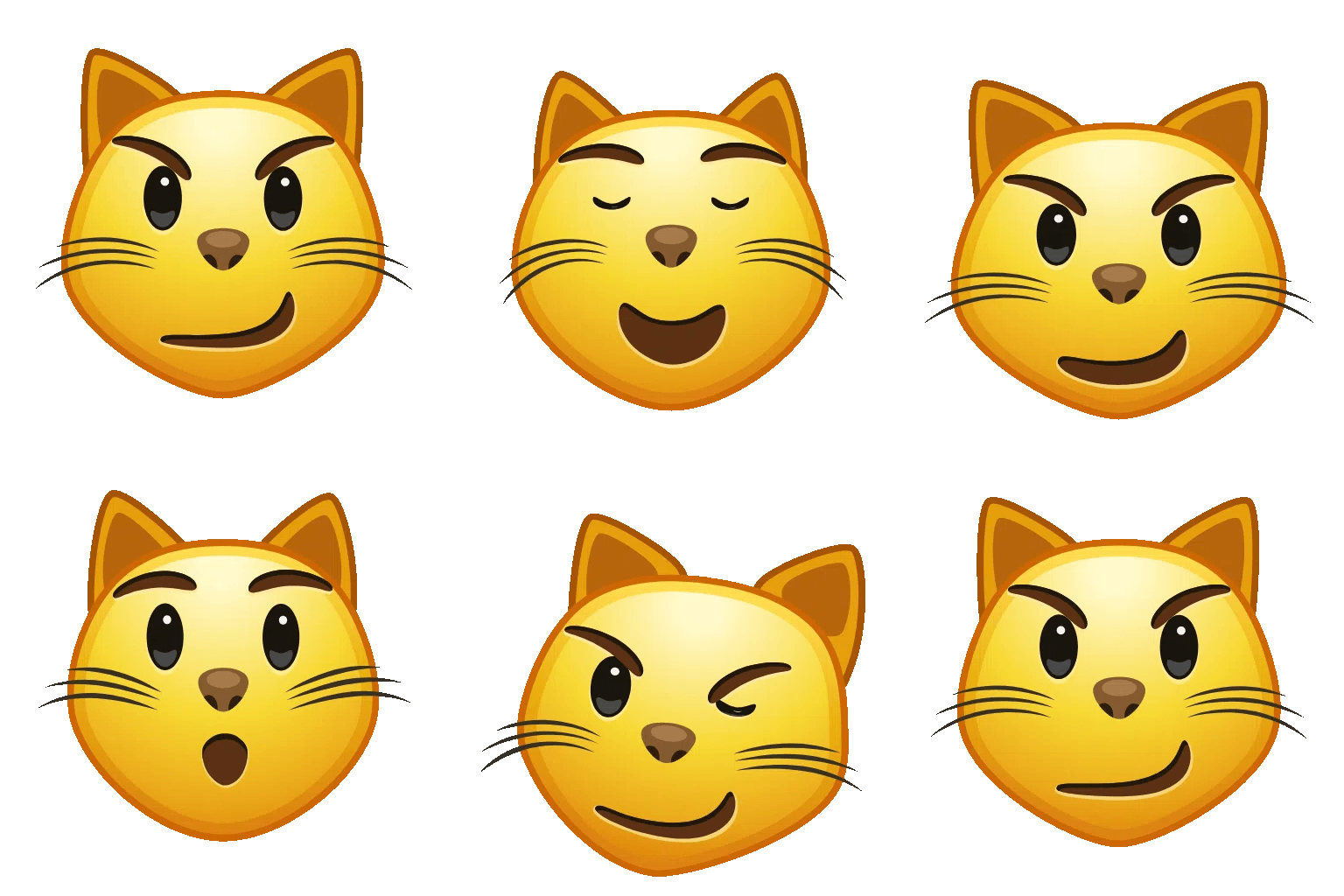
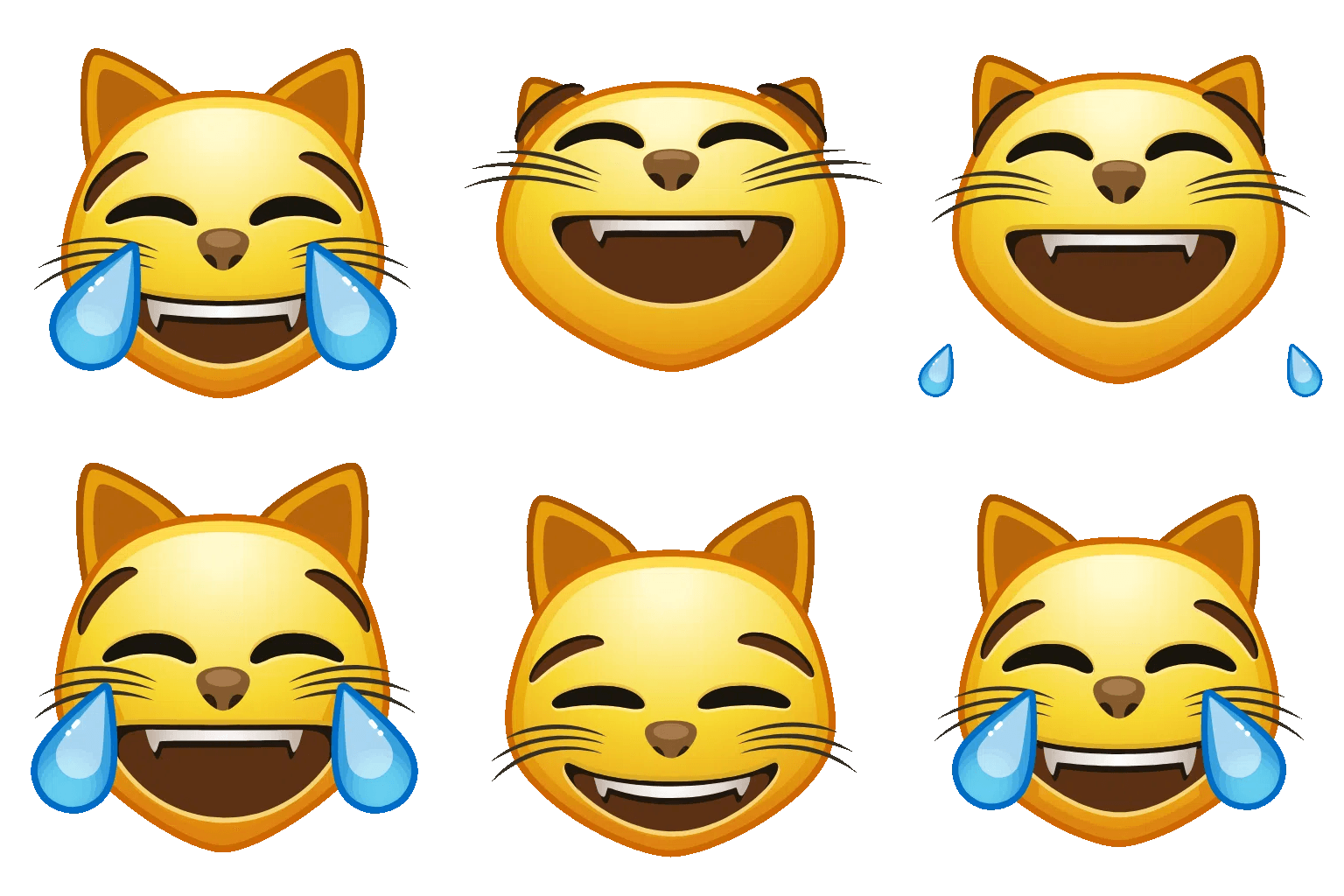
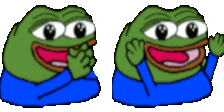
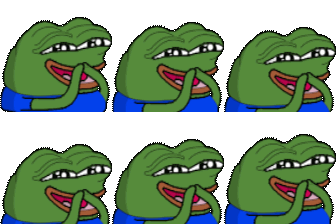




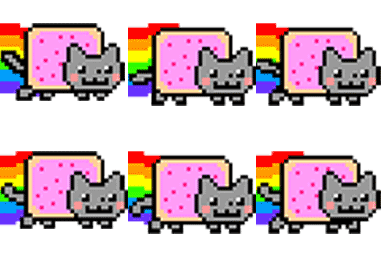
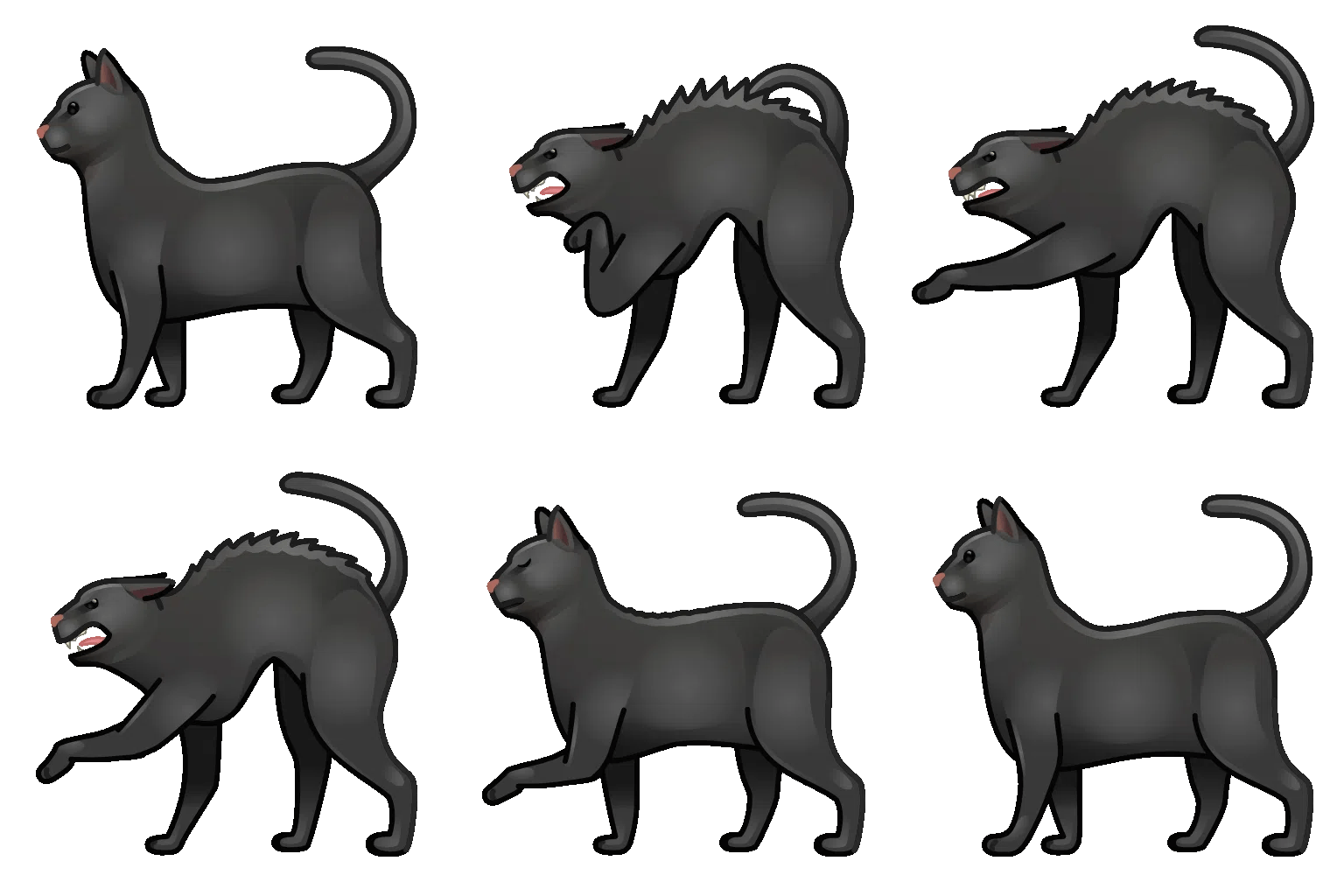
Notice what they have in common: bold shapes, clear expression, transparent background, readable at a glance. That's the formula.
Animated Emojis
Animated GIF emojis are the power move. They get attention. They punctuate moments.
The catch: only Nitro servers can upload animated emojis. Regular servers are limited to static PNGs. If your server is boosted to Level 1 or higher, you unlock animated emoji support.
For animated emojis, keep the GIF short (1–3 seconds) and looping cleanly. A 4-frame loop can hit harder than a 40-frame animation if the timing is right.

Building a Server Emoji Pack
One emoji is a feature. Ten coherent emojis are a culture.
If you're building out a server, think in packs:
- Reaction emojis: yes, no, lol, rip, gg, based, cope, etc.
- Server mascot variations: your server character in different moods
- Inside jokes: references only your community will get (these become the most-used emojis)
- Role indicators: some servers use emojis to visually mark moderators, verified members, etc.
EmojiCreator lets you generate multiple emojis in a consistent style, which is the shortcut to a coherent emoji pack without hiring a designer.
Common Mistakes
Uploading a photo of something instead of an illustration. Photographs don't compress well and don't read at small sizes. Illustrations and cartoons almost always work better as emojis.
Ignoring the transparent background. Emojis with white backgrounds look bad on dark-mode Discord (which is almost everyone). Always use PNG with transparency.
Names that are impossible to type. The emoji name is how people summon it. If your emoji is called :the_face_where_you_cant_believe_it:, nobody's typing that. Keep names short and obvious.
Uploading 50 emojis at once. Fill your server's emoji slots thoughtfully. Quantity doesn't build culture — quality does.
The Bottom Line
Discord emojis are a small investment with a disproportionate return. A server with a great emoji pack is a server people want to be in. It signals care. It creates in-jokes. It makes the community feel like a community.
Start with EmojiCreator's Discord Emoji Maker, get the right dimensions automatically, and focus your energy on the thing that actually matters: what emojis your server needs.
The technical part is 30 seconds. The creative part is the fun part. Do the technical part right so the creative part can shine.